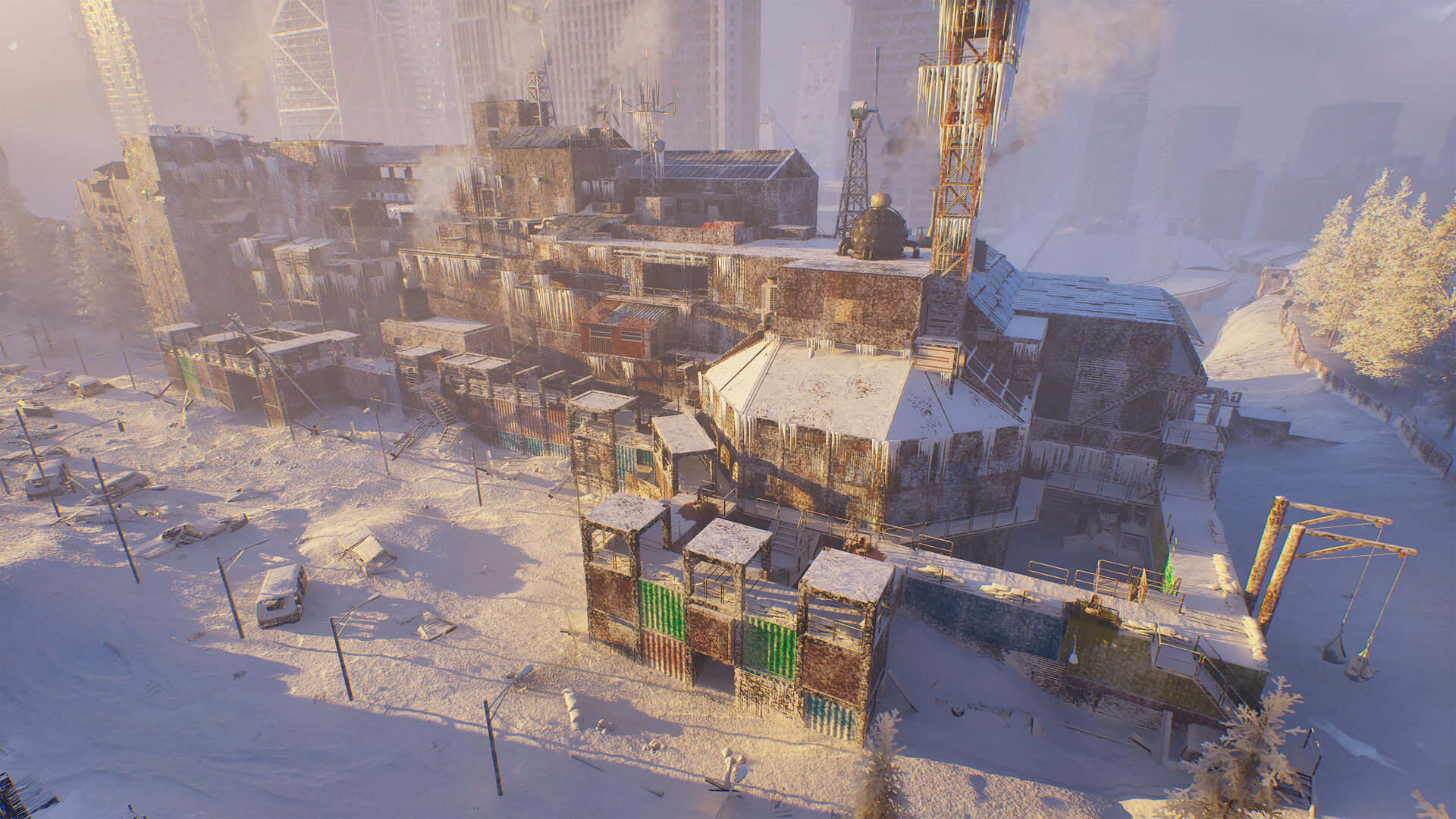
Permafrost fast travel works through sleds, not by simply clicking any discovered place on the map. A developer says to walk up to each sled and press F to unlock it, then choose Travel at either unlocked sled. The Horizon sled is on a raised wooden platform beside a fire; unlock the Church sled too to connect the two. If destinations disappear, check the map-marker and controller troubleshooting below before assuming you missed an unlock.
How to unlock fast travel
The clearest launch-build instructions come from developer kikibrik, answering a player who had activated a point near the Church but could not travel there. The reply identifies sleds as the objects you use and F as the unlock interaction. Use the prompt shown by your own game if you have changed key bindings; this guide does not assume a controller button maps to F.
The important distinction is between finding a destination and activating its travel object. Walk to the sled itself rather than trying to use a settlement name as a shortcut. For the first route, complete the interaction at both Horizon and the Church, then return to either sled and select Travel.
- Find the Horizon sled on a raised wooden platform beside a fire.
- Walk up to it and use the displayed interaction prompt; the developer gives F for keyboard controls.
- Reach House Camp and unlock the sled at the Church in the same way.
- Interact with either unlocked sled, choose Travel, and select the other destination.
Fast travel locations: start with Horizon and the Church
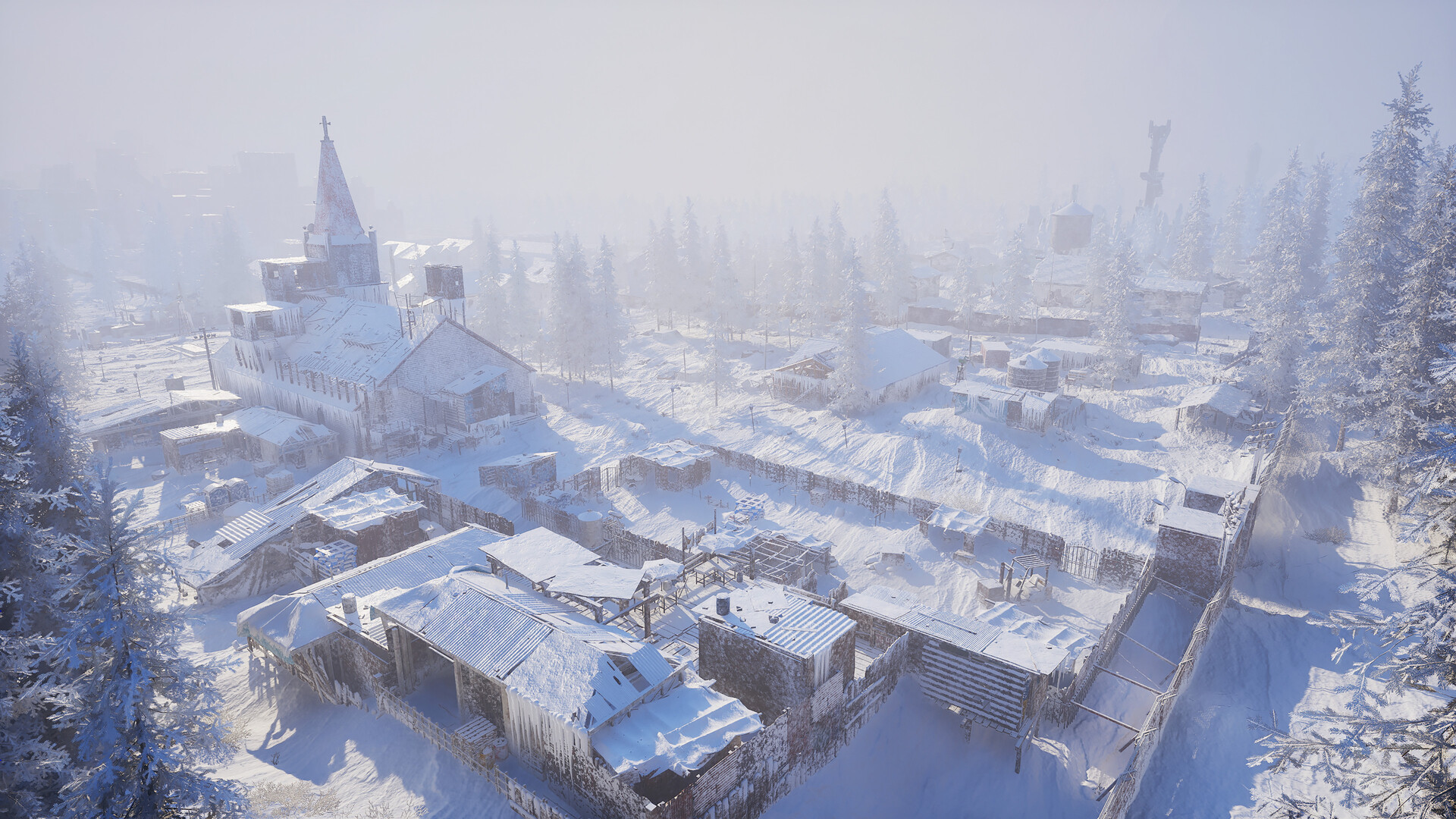
At Horizon, look above ground level rather than only searching the paths between buildings. The developer specifically places the sled on one of the raised wooden platforms next to a fire. This is a useful landmark when a map icon alone does not tell you which object needs interaction.
The Church is the second named destination in the same developer answer. Use this pair to check whether you understand the interaction before looking for more routes. The answer establishes these two stops, but it does not establish an exhaustive launch-build list or coordinates for every travel location.
| Stop | What is confirmed | What to do |
|---|---|---|
| Horizon | Raised wooden platform, next to a fire | Unlock the sled in person |
| Church / House Camp | Church sled named by the developer | Unlock it, then test travel back to Horizon |
Why a map marker is not the whole unlock
Treat the world map guide as an overview of regions and route planning, and use this page for the sled interaction. Seeing a named place and having a usable destination are different checks. If your first trip does not work, confirm that you physically interacted with both sleds before diagnosing a broken save.
Older preview maps and fan location counts can help with orientation, but they are not proof that your current world has every listed point unlocked. We are deliberately keeping the confirmed route separate from those broader lists. Follow the destination names actually offered by your game rather than travelling into a dangerous region solely to match a preview checklist.
Fast travel not working: missing map markers
On October 12, a player reported that map markers disappeared after continuing offline, preventing fast travel. Developer Vintage replied that the team was investigating and suggested going online as a temporary workaround when possible. This is an acknowledged problem, not evidence that solo play has been removed or that you must start a multiplayer world.
Another missing-map discussion includes a player for whom switching online did not solve the issue. Vintage asked for the affected save to help the team compare reports. Reconnecting is therefore a first check, not a guaranteed repair; keep your existing world while you establish whether your symptoms match the report.
Before sending a bug report, note whether the whole map is blank or only one destination is missing. Record whether you were online, which sleds you interacted with, and whether the failure followed a reload. Include the game version and whether you host or join a world, so the team can distinguish a missing unlock from a persistence problem.
Controller cannot select Travel
The original Fast Travel thread also contains a player report that the mouse worked when a controller did not. A developer flagged that report, and a later developer reply says controller support is still being refined. If interaction succeeds but destination selection does not, try keyboard and mouse as a diagnostic step when available.
This distinction matters because a controller selection problem can look like a locked destination. Check whether the sled interaction opens anything, whether the destination is visible, and whether a mouse can select it. Report which stage fails rather than describing every unsuccessful trip as the same bug.
What changed in the October 10 update
The official October 10 patch notes say travel points were made easier to notice. They do not say that every point is automatically unlocked or that the offline marker issue is fixed. Check that your installation has downloaded available updates, then use the unlock process above instead of relying on a video recorded before launch.
Keep a useful record of the failure
Take a screenshot of the empty destination list before changing your setup. Write down which location you started from and whether the same route worked earlier in that world. These details make a report more useful than a screenshot of a generic map without context.
Plan your base around a tested route
Our recommendation is to test the return journey before investing heavily in a new base location. A promising site is more useful when you know how to get back to your storage and supplies. See the base building guide for shelter planning, but do not dismantle a working base just because a destination briefly disappears.
Keep enough warmth, food and water for the walk to the next sled, since the initial discovery trip still needs preparation. The warmth guide helps you plan the exposed sections. Combine the trip with a materials run using the resource guide, then test the journey back before treating the route as dependable.
Quick checks before rebuilding or restarting
- Only one sled unlocked? Activate a second destination in person and try Travel again.
- Whole map blank after going offline? Try reconnecting; developers are investigating, and this temporary workaround does not help every reported save.
- Controller opens the map but cannot choose a destination? Try mouse selection and report the exact failed step.
- Need every location? The verified starting pair here is Horizon and the Church, not a claim that these are the only points.
- Should you restart your world? Preserve it first; the developer has requested affected saves to investigate missing markers.
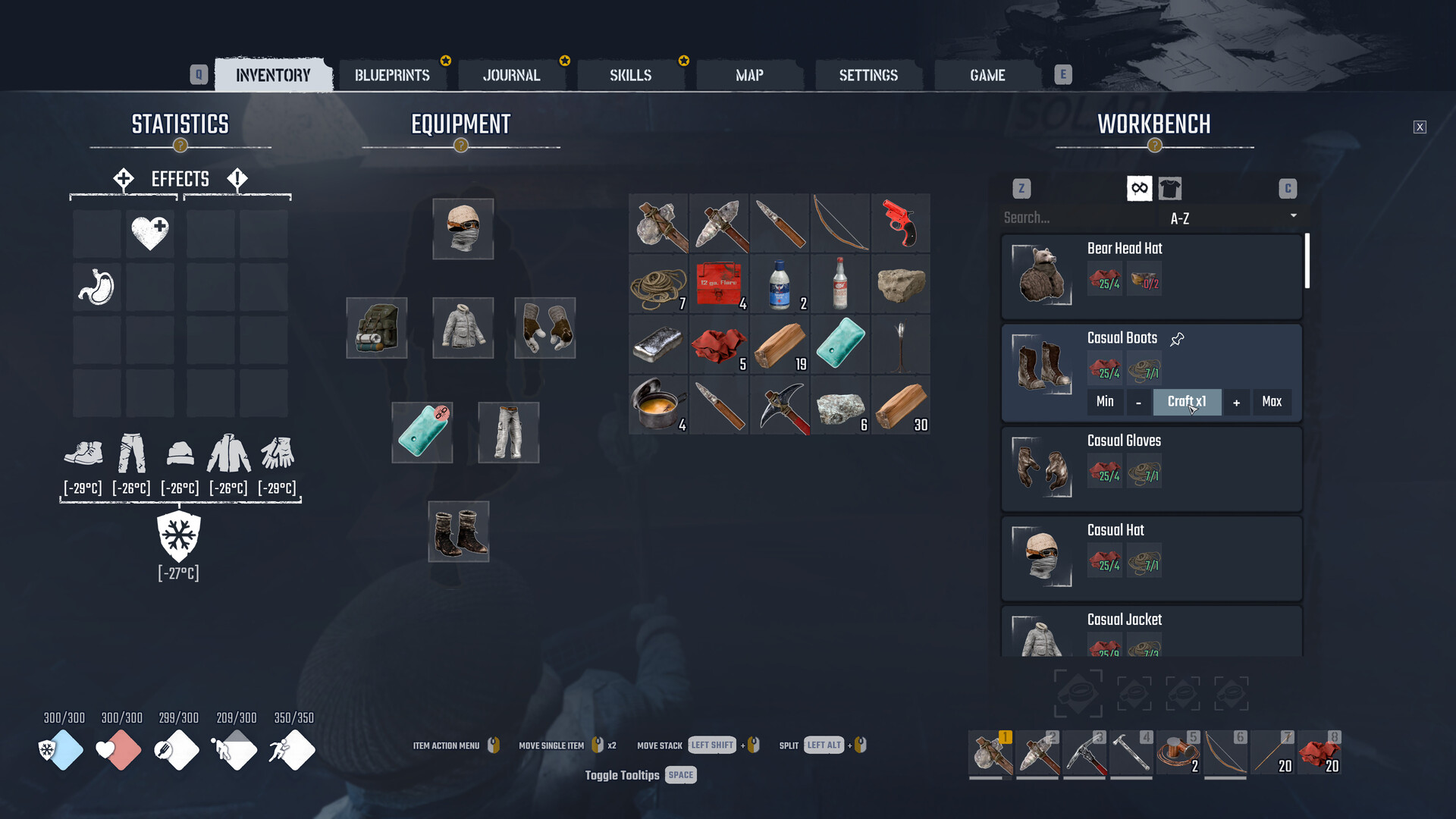
Mechanics and the Horizon location come from developer kikibrik in the Steam Fast Travel thread. Controller limitations and missing map markers are acknowledged by developers in the linked discussions; planning tips are our recommendations, not additional unlock rules. Checked October 13, 2026. Cover: official Steam promotional screenshot, not an annotated location map. Last updated: October 13, 2026.
Sources
References and further reading for this article.