Open the pause menu with Esc and choose Save, which works at any point in the Early Access build. Autosave also exists, but playtesters found it could be more than an hour old after a crash, so save by hand often. Saving is separate from respawning: claim a bed or sleeping bag to set where you come back after death. When you die, your backpack stays at the spot where you fell so you can recover it.
How to save manually
The Early Access build has a proper save system, and the manual save is in the pause menu. One streamer pointed it out in the first episode: you can save your game at any point. The same menu also holds an option to get unstuck.
Make saving a habit before anything risky. Good moments are before entering a Cold Zone, before a cave, before a boss fight and before you log off. A few seconds in the menu can save an hour of progress.
Solo players should know that the menu may not pause the game. A reviewer who played a private session said their game did not pause in the menu, and streamers were unsure about it too. Save before you step away from the keyboard, just in case.
Autosave exists, but do not rely on it
The game does save automatically, but not very often. During the October 2026 playtest, one player reported a crash where the last autosave was more than an hour old. They had not made a manual save, and lost all of that progress. The player called the experience really frustrating, and it is an easy lesson to learn from someone else.
Another group was kicked from a friend's server and found their save had set them back about five minutes when they rejoined. Neither the autosave interval nor the number of save slots is documented officially. Until it is, treat manual saving as your real safety net.
The developers acknowledged that some players had trouble over the playtest weekend. In a post three days before launch, they said they had learned a lot about the causes and were applying fixes for Early Access. They also confirmed that crashes are being worked on separately from the content roadmap.
Why old posts say there is no save
If you search for this topic, you will find many posts saying Permafrost cannot save. Those are about the 2024–2025 Steam demo, which really had no save system. The official forum account confirmed that closing the demo meant losing that playthrough.
The team explained that it was a choice between no demo at all or a demo without saves. A developer also said saving is complex because of free building and storage chests that can be placed anywhere in the world. They promised a proper saving system for the release.
After more than 10,000 players gave feedback on the demo, the official follow-up post listed adding a proper saving system as a top quality-of-life fix. A later demo patch also made settings like mouse sensitivity save properly between sessions. The Early Access build delivers on the main promise.
Saving is not respawning: claim a bed
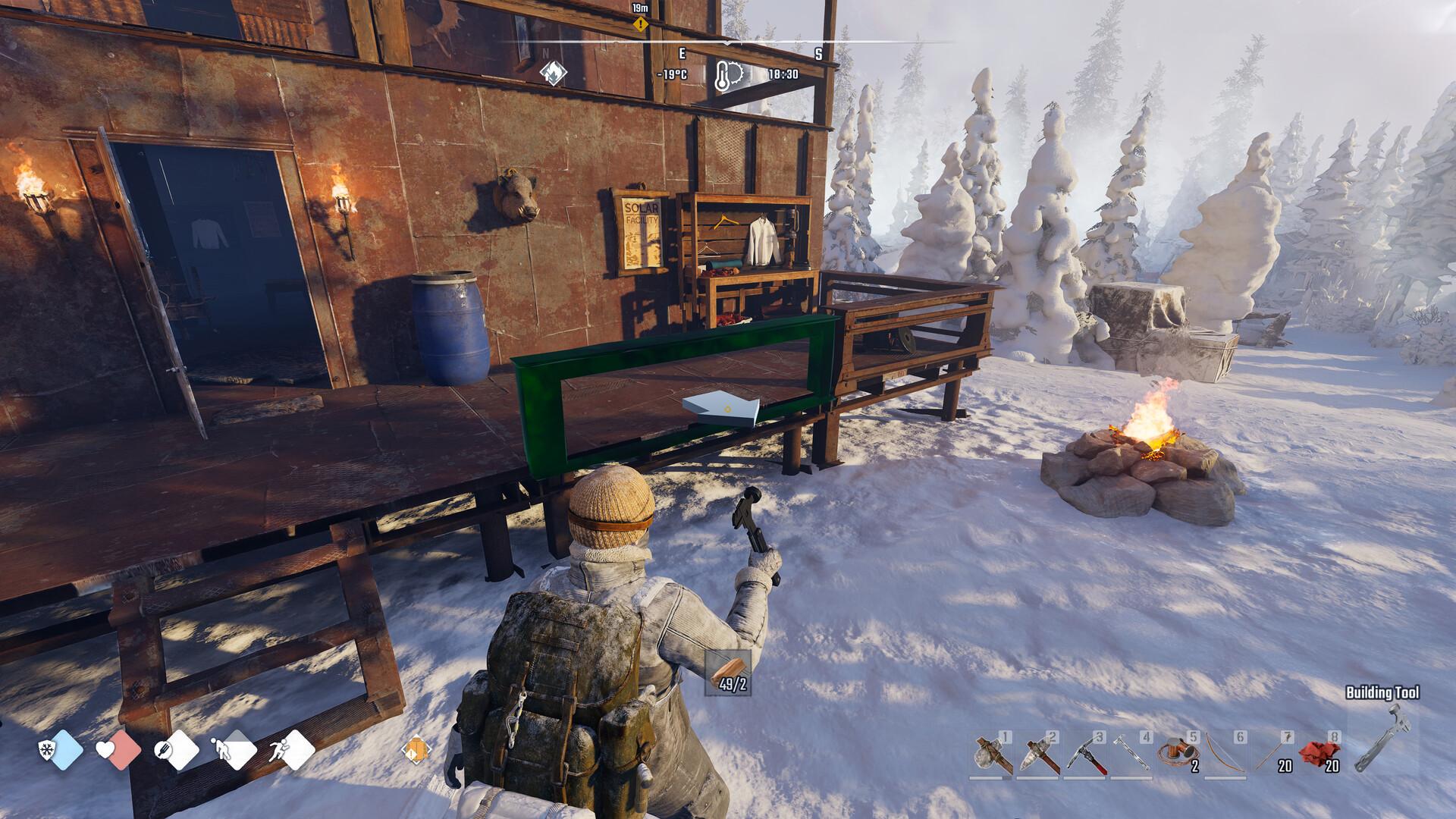
Where you come back after dying is set by your bed, not your save file. The in-game prompt reads: claim your bed to establish your home respawn. Claimed beds are personal and cannot be used by other players.
Sleeping bags and tents work as temporary respawn points. Playtesters found and claimed sleeping bags in the world, then respawned right there after dying. This is very useful on long trips far from home.
Holding F lets you rest or sleep in a bed, which also skips a cold night. Build and claim a bed as early as possible. The base building guide covers your first shelter.
After a death, playtesters were offered a choice of where to come back. One respawned at their last rest point, and another chose to respawn near the safest recent spot. Either way, a claimed bed close to where you explore keeps the walk back short.
What happens when you die
Death does not wipe your progress, but it does cost you your carried items for a while. The official forum account confirmed that you can pick up your backpack at the location where you died. Head back quickly, especially if you died somewhere cold.
A storage chest at home keeps valuables safe from this risk. Leave anything you do not need for a trip in the chest before you go. That way, a bad death only costs you what you were carrying.
Starting over is also cleaner than it was in the demo. A demo patch fixed the world so it resets properly when you start a new game within the same session. If you want a fresh run, start a new world from the main menu.
The Unstuck option
The menu includes an Unstuck option for when you get trapped in terrain. One playtester used it after falling into a gorge. It teleported them back to the hub with Robyn instead of just lifting them out.
A reviewer of the full build also mentioned using the unstuck button now and then. Save before using it, since it can move you far from where you were. Then make your way back from the hub, and treat the option as a last resort rather than a quick shortcut.
Saving in co-op
In multiplayer, one player hosts the world and the others join it. The world runs on the host's game, so the host should save before friends leave. Exact rules for who owns the save are not officially documented.
During the playtest the developers fixed a bug that caused inventory loss when a client closed the game while the server was loading. More multiplayer stability fixes were promised for launch. See the multiplayer guide for hosting and joining.
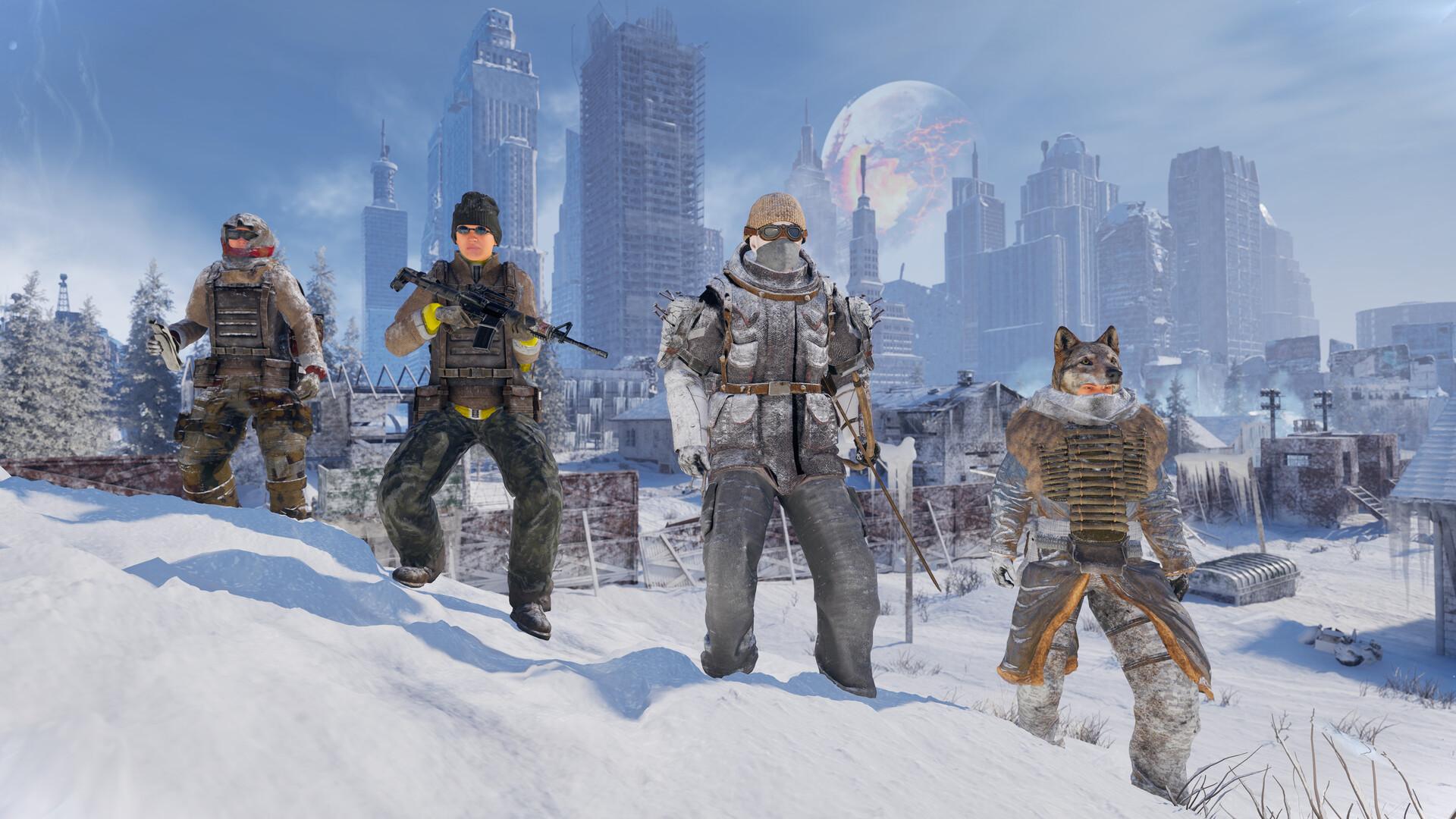
Because beds are personal, every player in a group needs to claim their own. A group of three playtesters found sleeping bags in a camp and each claimed one as a temporary respawn. Set this up before splitting up to explore.
Quick save checklist
These habits keep your progress safe in Early Access. They follow what players learned the hard way during the playtest. Keep them in mind every session.
- Save manually from the pause menu before every risky trip.
- Do not trust autosave alone; it can be over an hour old.
- Claim a bed at home and sleeping bags on the road.
- Store valuables in a chest before long trips.
- In co-op, let the host save before anyone logs off.
Built from official replies and posts on the Steam forum, Steam announcements about the demo and the playtest patch, and playtest footage and reports from October 2026. Autosave behaviour is based on player reports and is not officially documented. Last updated: October 8, 2026.
Sources
References and further reading for this article.