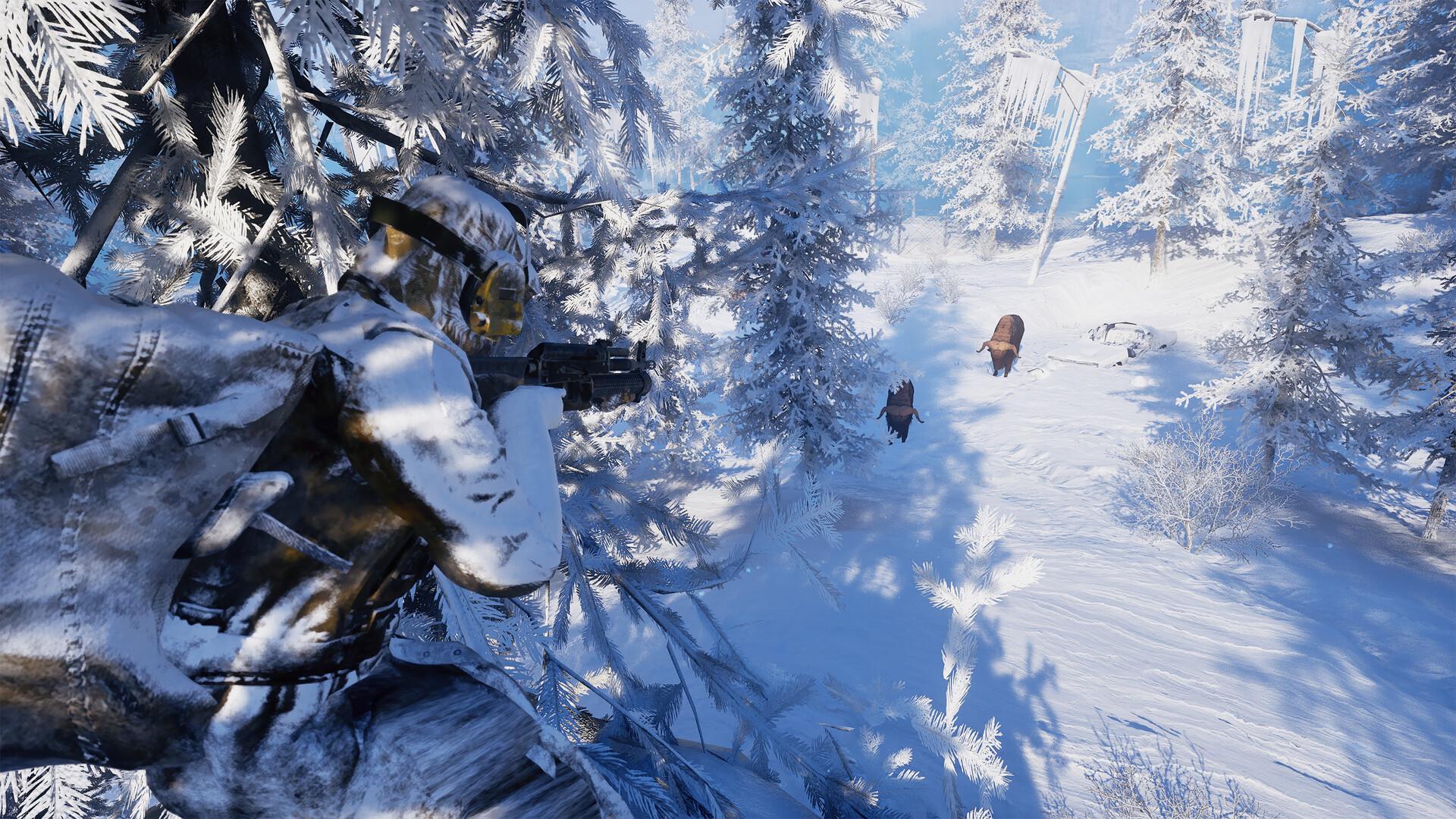
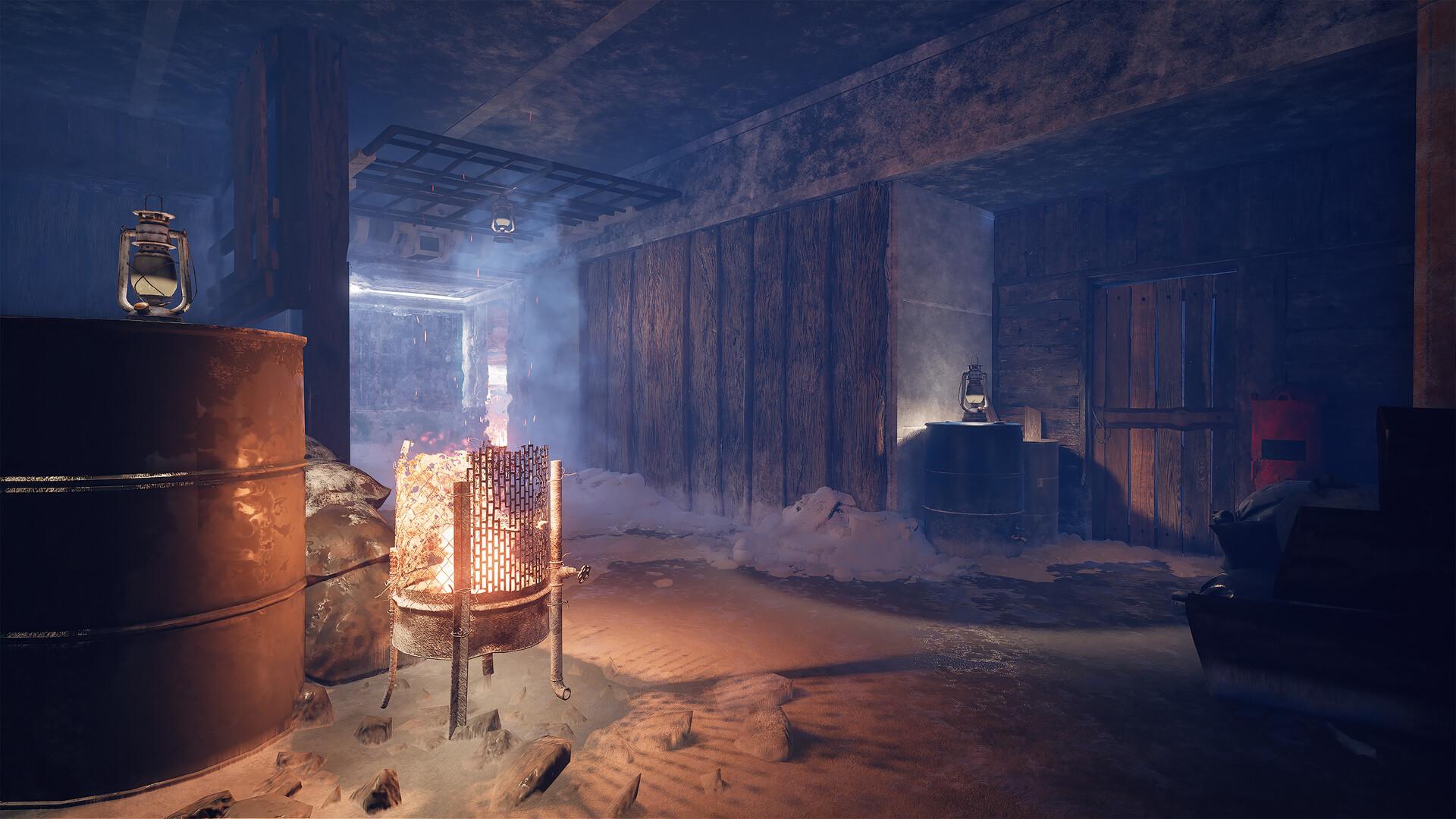
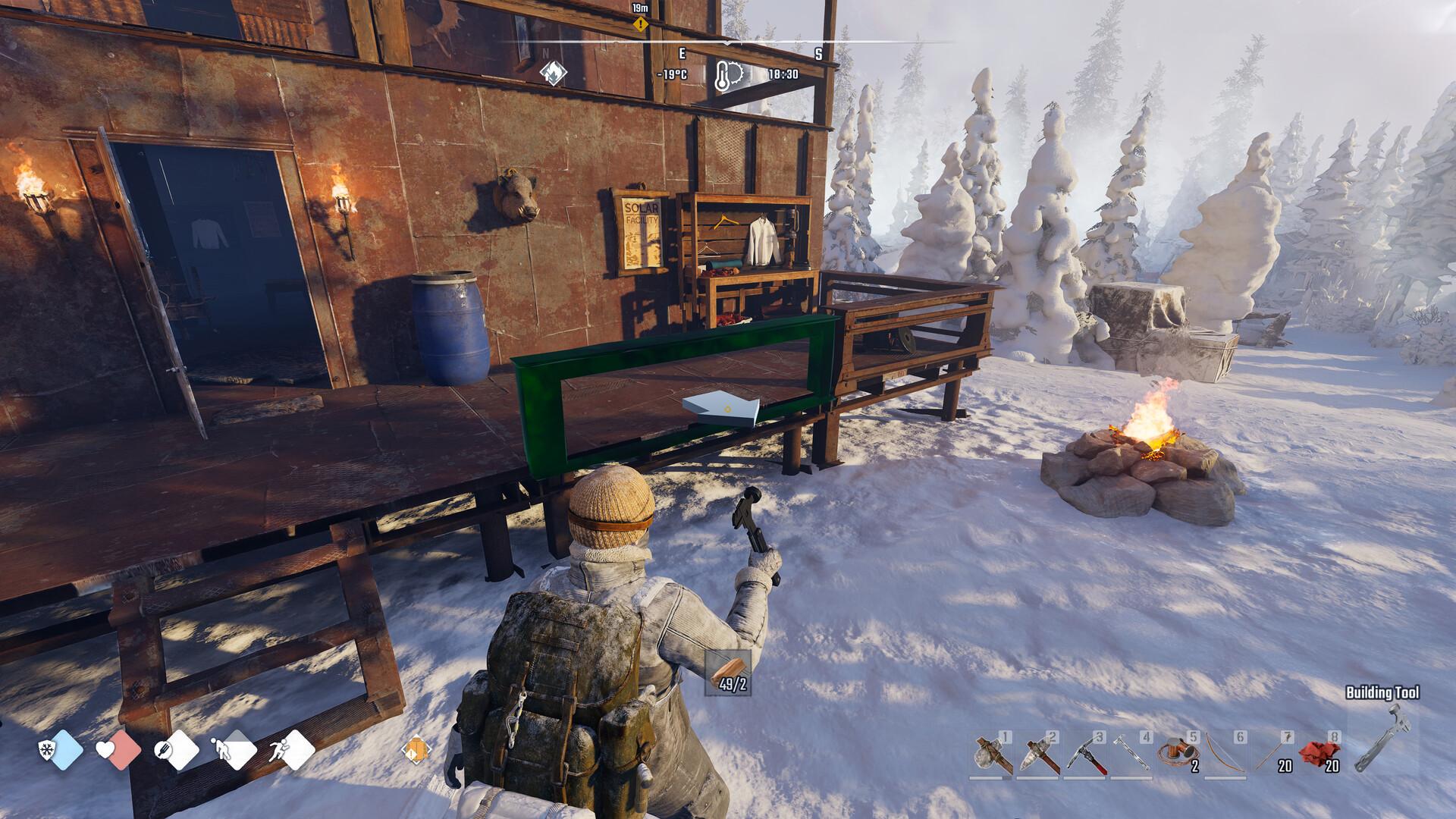
Yes, Permafrost has online co-op for 1 to 4 players, so you can survive alongside up to three friends. One player hosts a server with a name and an optional password, and the others join it from the server list. There are no official dedicated servers, and crossplay between Steam and Epic is still in development. Co-op is PvE, covers the story and the sandbox, and was part of the design from the start.
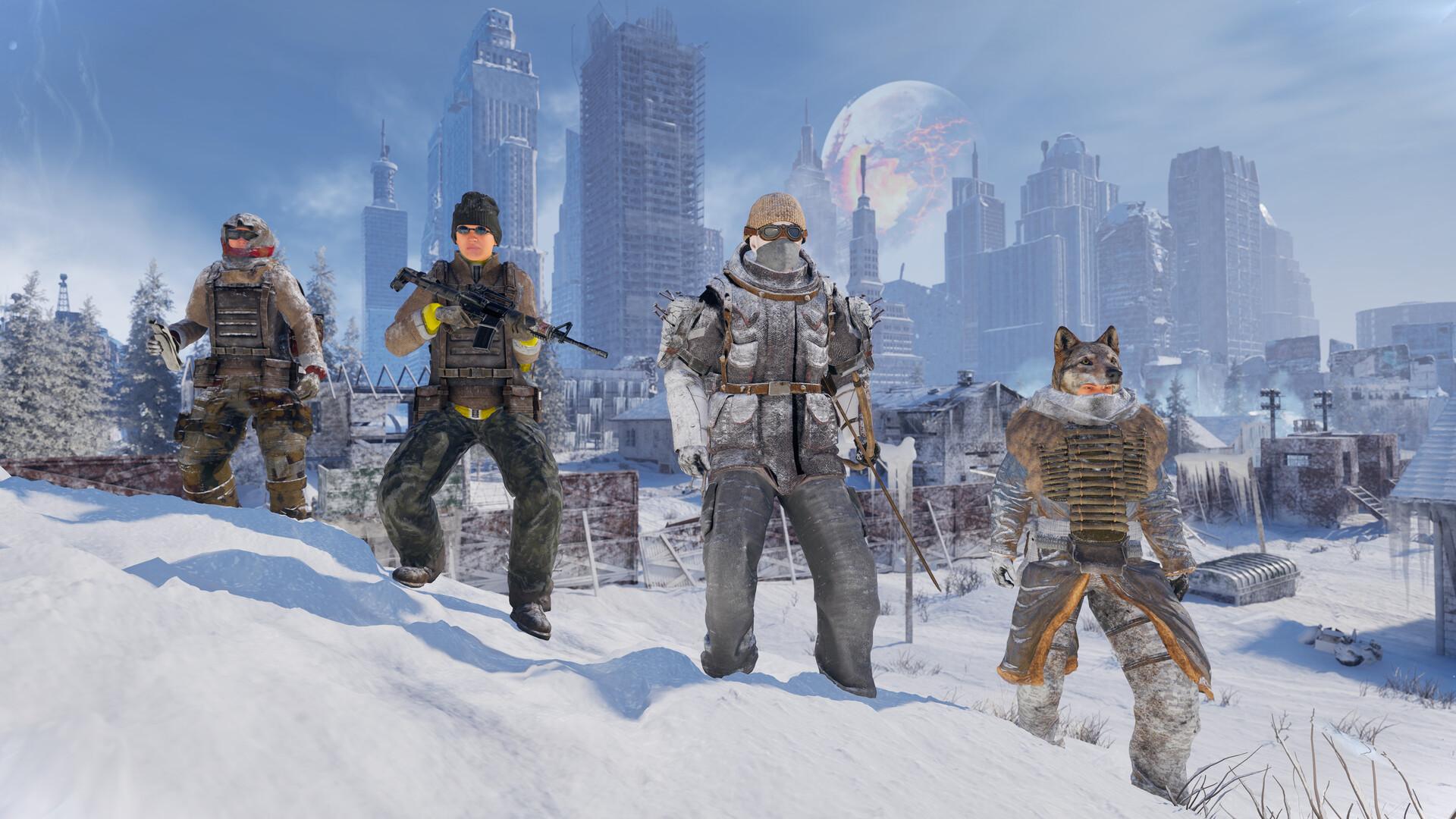
How many players can play together
Permafrost supports online co-op for up to four players. The Steam store page describes it as symbiotic 1–4 player co-op survival, where you build shelter networks, divide responsibilities and play to each other's strengths. It also stresses that co-op does not make the world easier, it just means you do not face the cold alone.
Co-op is a core feature rather than an add-on. In the official developer Q&A, the team said the game was designed with co-op from the start. The Steam Early Access FAQ confirms that multiplayer for up to four players is fully implemented and functional.
Players in a group progress through the game together. The developers say you can focus on the main quest or simply survive in the sandbox. More players usually means better chances of survival.
The pre-launch preview leaned into this as well. Every tester received three invites to bring friends along, which filled a full group of four. The official tips video ends on the same note, encouraging you to invite friends, build together, hunt together and trade what you need.
How to host a game
One player creates the server and the others join it. A developer explained the steps on the official forum when a player could not join friends. Here is the process.
- Open the main menu and choose Multiplayer / Host Server.
- Enter a server name and, if you want, a password.
- Choose the number of players and whether the server is public or private.
- Pick the world settings: Story, Survival or Custom.
- Click Create Server and send the server name to your friends.
A private server with a password keeps strangers out. A public server lets anyone join and help you survive. Only the host can change the world settings, so agree on difficulty before you start.
Story mode is the gentler option, with easier hunger, rest and damage, while Survival is the full challenge. Custom lets the host fine-tune values, although it was switched off temporarily during the October playtest. Check what your build offers before you create the world, since the choice applies to everyone who joins.
How to join friends
To join, choose Play, then Join, and search the server list for your friend's world name. Enter the password if they set one. A third-party guide describes the same Play, Join and Server steps.
A hotfix during the 2024 demo added Steam friend invites, so you can invite players from your friends list directly. That helps when the server list search does not find a name. Some demo players asked for direct IP or code joining, which was not part of that build.
You can also join open public servers run by strangers. The developers say that is perfectly fine, because the world is built around cooperation. Every player needs their own copy of the game.
Dedicated servers and crossplay
No official dedicated server has been released. Co-op is hosted by one player, which means the world is only online while the host is playing. Some third-party companies advertise Permafrost server hosting, but these are independent of the developers.
Crossplay is partly planned. The official forum account said crossplay is in development because it is needed on PC between Steam and Epic. Consoles will not arrive during Early Access, so there is no console crossplay for now.
The dog in co-op
The dog companion works differently in a group. The official forum account confirmed that, for now, only the host gets the dog. Guests explore without their own companion.
Improving the dog system in multiplayer was on the developers' list after the demo. Solo players always keep the dog, which is one reason some people prefer to play alone. See solo play for more on the dog.
Co-op quirks from the playtest
The October 2026 playtest surfaced a few things to know before playing with friends. Some were fixed during the test, while others are simply how the game works. These came up most often.
- Friendly fire is on — an official video warns that a friend's bullets hurt as much as an enemy's.
- Claimed beds are personal, so each player sets their own respawn.
- Some loot and world recipes only went to the player who found them.
- Kicks and rejoin problems happened for some groups.
- Server list search sometimes failed to show a world name.
During the playtest the developers fixed a bug that caused inventory loss when a client closed the game while the server was loading. After the demo, they also listed connection issues, rubber banding, sync problems and session kicks as priorities. More multiplayer stability was promised for Early Access.
Some issues are only visible in groups. Merchants could not serve two players at the same time in the playtest, and some world recipes unlocked only for the player who found them. Talk through trades and loot splits as a group, and report any new co-op bugs on the official forum or Discord.
Why play together
Splitting roles is the biggest advantage. One player can hunt while another gathers wood and a third builds the base. The official description talks about sharing supplies, building together and defending your shelter.
Groups also handle danger better. Big fights against bears or hostile factions are easier with more people. A streamer playing with two friends found the game smooth and enjoyed the shared survival.
Blueprint unlocks can be shared out too. In playtest footage, one player built the workbench because the others had not unlocked it yet. Agree on who unlocks what to avoid wasting points.
Nights are easier to handle as a team too. One co-op group in the playtest found a bed, claimed it and rested to skip the dark hours instead of risking the cold. Another group of three set up temporary respawns in sleeping bags they found in a camp, so nobody had a long walk back after a death.
Tips for a smooth co-op session
A few simple habits prevent most co-op problems. They come from what players reported during the playtest. Share them with your group before the first session.
- Let the host save before anyone leaves; see how to save.
- Each player should claim a bed or sleeping bag early.
- Watch your aim, because friendly fire is always on.
- Use a password if you only want friends to join.
- Pick Story mode for a relaxed first run together.
Built from the Steam store page and Early Access FAQ, developer and official replies on the Steam forum, the official developer Q&A, Steam patch notes, and playtest footage from October 2026. Last updated: October 8, 2026.
Sources
References and further reading for this article.