If The Lost Wife stops progressing, compare your active objective with the recordings saved in your journal. The official quest-issues post acknowledges that collecting this quest's tapes out of order can fail to count. A separate listening-objective fix lets you replay a recording from the journal, but it does not establish that every Lost Wife save is repaired. Use the checks below before starting a new world.
Start with your journal, not another trip to the marker
Our recommended first check is to write down the exact objective and which numbered tapes are present. Open each entry before changing anything, then compare what the host sees with what a joining player sees. A recording absent from the journal is a different symptom from an entry that exists but has not advanced the objective.
| What you see | Next check |
|---|---|
| A listening objective and a saved tape | Try the journal playback control |
| A warehouse marker but no progress | Check nearby objects and record the active objective |
| Tapes collected in a different order | Compare with the acknowledged ordering issue |
| Different quest stages in co-op | Record the host and guest states separately |
At the warehouse marker but cannot find recording #2?
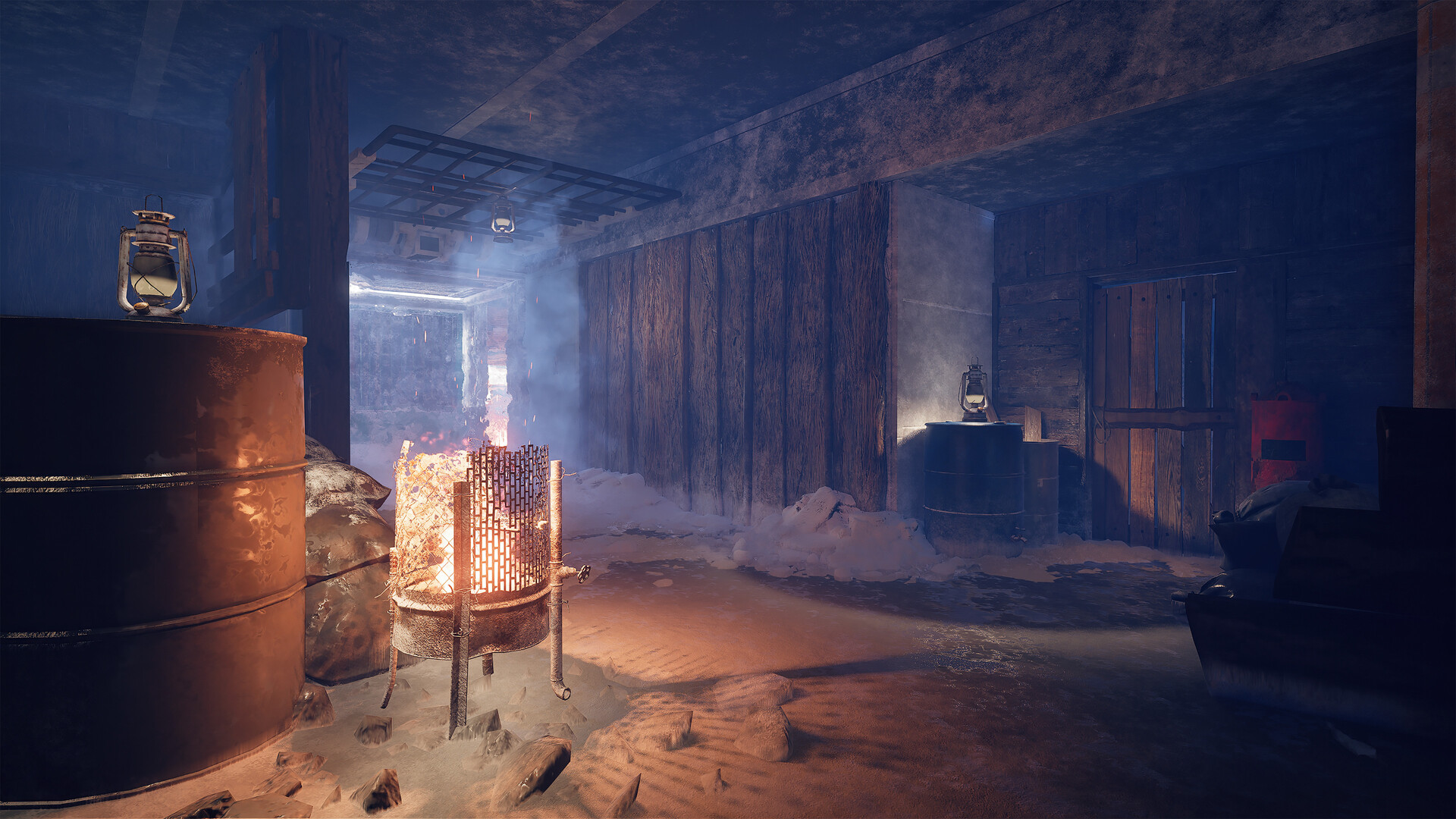
In the Steam discussion linked below, a player describes a low table near the wall, a little below and roughly three metres from the marker, holding the second recording. This is a player location report, not a developer-verified coordinate. Inspect that nearby area if you only see a burning brazier; the same report also describes a progression failure after playback.
Avoid treating the marker as an exact pickup position. If the tape is already missing, note whether it appears in your journal and whether someone else collected it first. For a region overview, use the map guide; it is not a recording-by-recording interactive quest map.
Why finding all three tapes may still leave co-op stuck
A co-op report describes both players remaining on the location objective even after collecting all three tapes. One had picked them up in a different order; reaching the warehouse, visiting Logan Boyce and reloading did not resolve that reported save. This is evidence of a particular failure, not proof that every co-op world will break.
If your symptoms match, repeated visits to the marker may add no useful information. Keep your current world and collect the details below for a report. Use the connection guide only if someone cannot join; joining successfully and sharing quest progress are separate checks.
What the journal playback fix does and does not confirm
The official quest-issues list describes journal playback as the way to finish a listening objective after its fix. It separately retains an ordering warning for The Lost Wife. If playback works but the location objective remains, do not assume the missing step is another replay.
A useful checklist for reporting your stuck quest
The following is our troubleshooting checklist, rather than an additional set of quest unlock rules. Make a short record before testing another session so you can tell whether anything changed.
- Capture the exact objective text and game version.
- List the numbered recordings visible in each player's journal.
- Write down the pickup order as closely as you remember it.
- State who hosts the world and who picked up each recording.
- Describe whether playback, the marker interaction or dialogue is the step that fails.
- Include what changed after rejoining or reloading, if you already tried it.
Use the linked Bug Reporting discussions to compare symptoms and the official known-issues post to check subsequent fixes. There is no verified universal save-repair procedure in the evidence reviewed here. Our save guide covers normal saving behaviour; it should not be read as a repair for this quest.
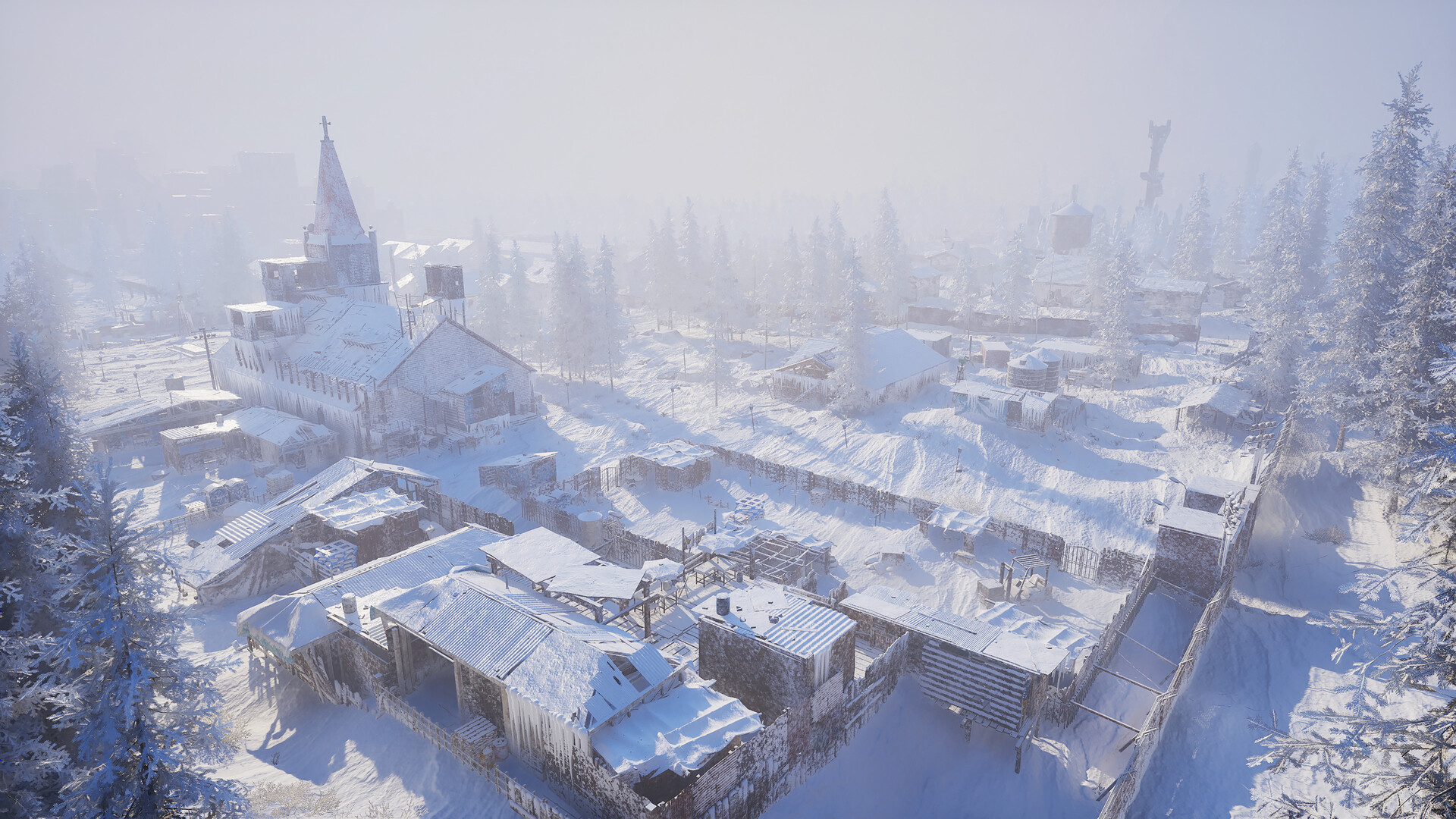
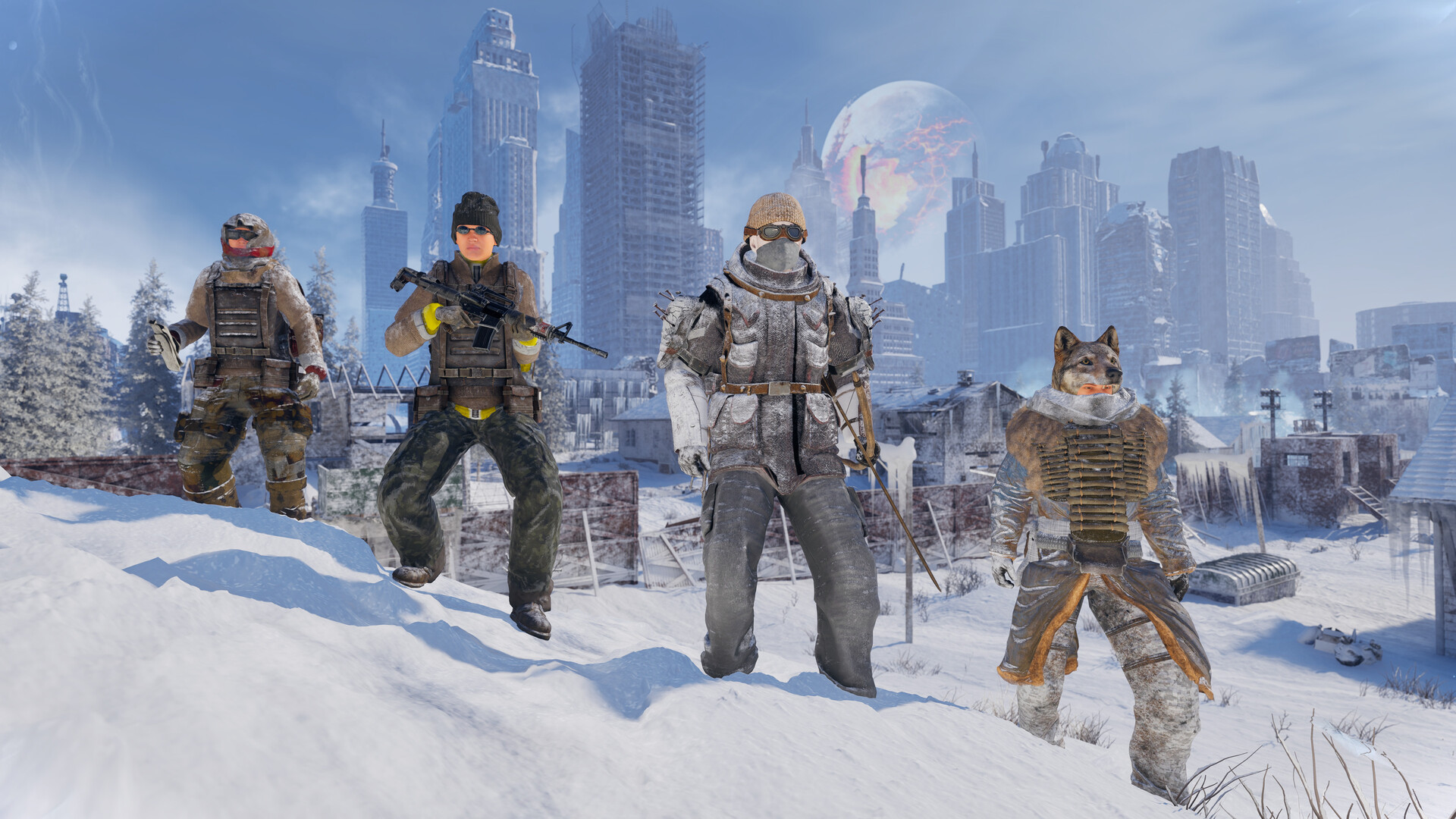
Checked October 18, 2026 against the official quest-issues list and the linked Steam reports. The nearby-table location and co-op failure are attributed player reports; no guaranteed fix or complete quest walkthrough is claimed. Cover is an official promotional screenshot, not a picture of the tape location. Last updated: October 18, 2026.
Sources
References and further reading for this article.