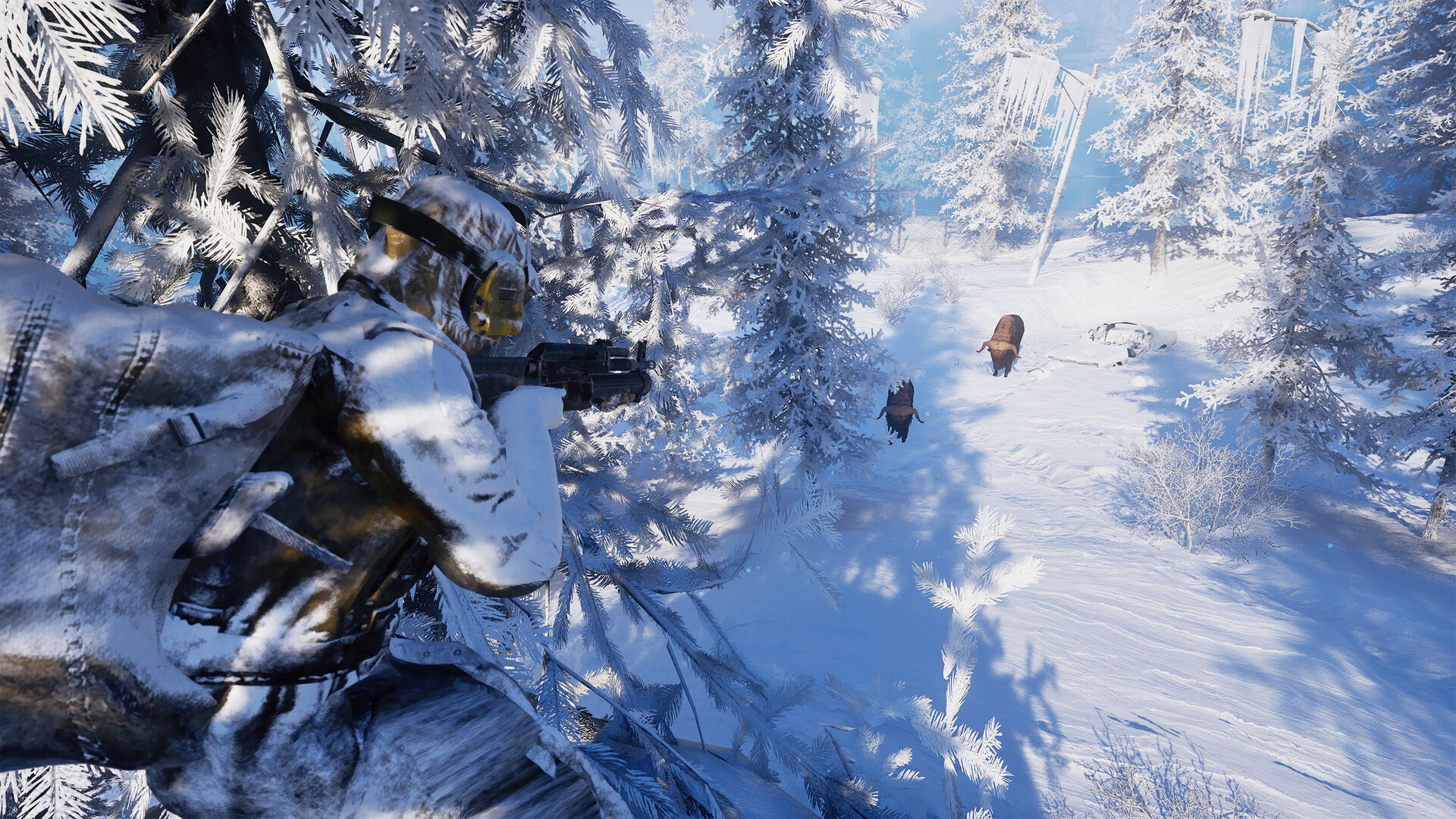
If Permafrost multiplayer is not working, start by checking the host has reached the cabin, the joining player is already at the main menu, and Steam is online. The developer lists these as requirements or workarounds in the October 14 known-issues post. Use the symptom table below to decide which step to try first; a missing session and an authentication error need different checks.
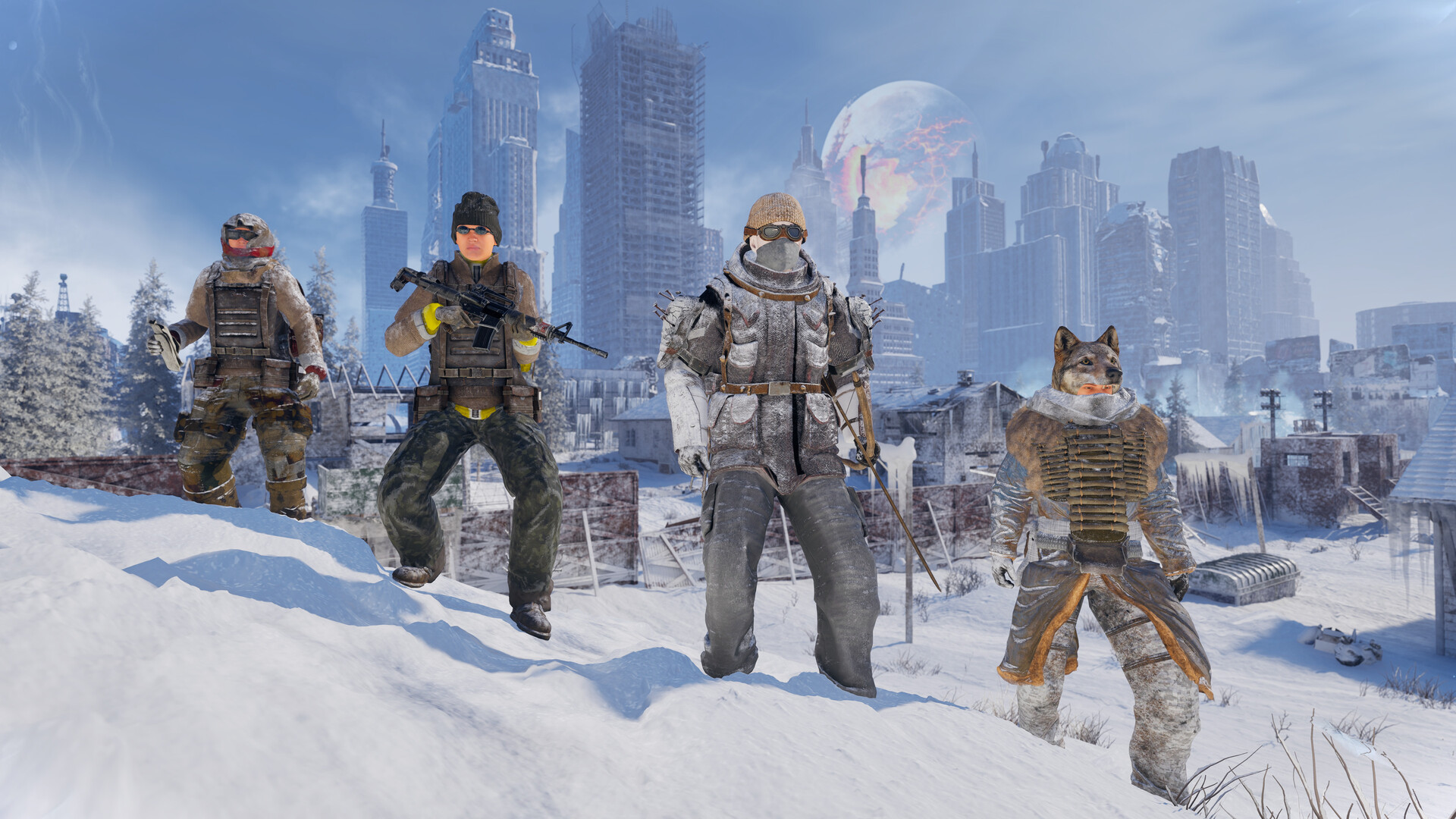
Which connection problem are you seeing?
| Symptom | First check | Next action |
|---|---|---|
| Invite does nothing | Guest has launched Permafrost | Wait at the main menu, then ask for a fresh invite |
| Cannot join a new world | Host has reached the cabin | Let the host finish the opening section before retrying |
| Invalid or missing authentication token | Steam is online | Turn off a VPN and retry |
| Multiplayer menu is greyed out | Steam offline mode or VPN | Check the Steam connection before changing world settings |
| World is absent from the browser | Host opened a multiplayer session | Use the in-game join menu and confirm the host is still playing |
Start with the row that matches the exact message on your screen. If you can reach the world but a quest or the dog behaves incorrectly, skip to the in-world section: those are different problems from being unable to connect.
Steam invite fails or nothing happens
The developer confirms that Steam invites work when the guest has already opened the game and is waiting at its main menu. Have the guest reach that screen before the host sends a new invitation. The in-game join menu is another available route.
- Agree who will host and keep that player in the intended world.
- Have each guest launch Permafrost and wait at the main menu.
- Ask the host for a new Steam invitation, then try joining.
- If that route fails, try joining through the in-game menu and note the resulting error.
Use the co-op overview for the broader hosting workflow. This page focuses on connection blockers, so you can return to the matching symptom without searching through the full multiplayer guide.
Friends cannot join the opening section
Guests can join only after the host reaches the cabin, according to the pinned developer post. An invite sent before that point can send you looking for a network fix when the world is simply not ready for visitors. Let the host reach the cabin, then send a fresh invite.
For a new group, choose a host who can remain online for the session and finish that opening step first. See the beginner guide for survival preparation once the group is together.
Invalid or missing authentication token
The developer associates this error and a greyed-out multiplayer option with Steam offline mode or VPN use. Check that Steam is online and disable the VPN before trying again. If the same message persists, record it exactly for support rather than assuming a different cause.
Avoid installing an unofficial online fix to solve an authentication message. First test the normal Steam flow with the listed prerequisites. See the dedicated-server status before paying for a hosting service as a workaround.
Joined successfully, but the world behaves strangely
A successful join means you can move on from invite troubleshooting. The known-issues post separately covers quest ownership and the dog. Use its latest version to check whether your symptom is already documented.
For quest progression, consult the developer post before repeating objectives across different hosts. For platform compatibility questions, use the crossplay guide; changing invitation methods does not establish support for another platform.
What to collect if the checks do not help
- Record the exact error and whether it appears on the host or guest.
- Note whether the host reached the cabin and whether the guest was at the main menu.
- Record whether you tried a Steam invite or the in-game join menu.
- Keep the game version and the time of the failed attempt with your notes.
The developer asks for logs and the save when the listed workarounds do not help. Use the support upload link in the pinned post below. Back up progress before experimenting; our save guide explains the existing save workflow.
Checked October 15, 2026 against the developer known-issues post, updated October 14. The table organizes documented prerequisites and workarounds; it does not promise a fix for every connection failure. Last updated: October 15, 2026.
Sources
References and further reading for this article.