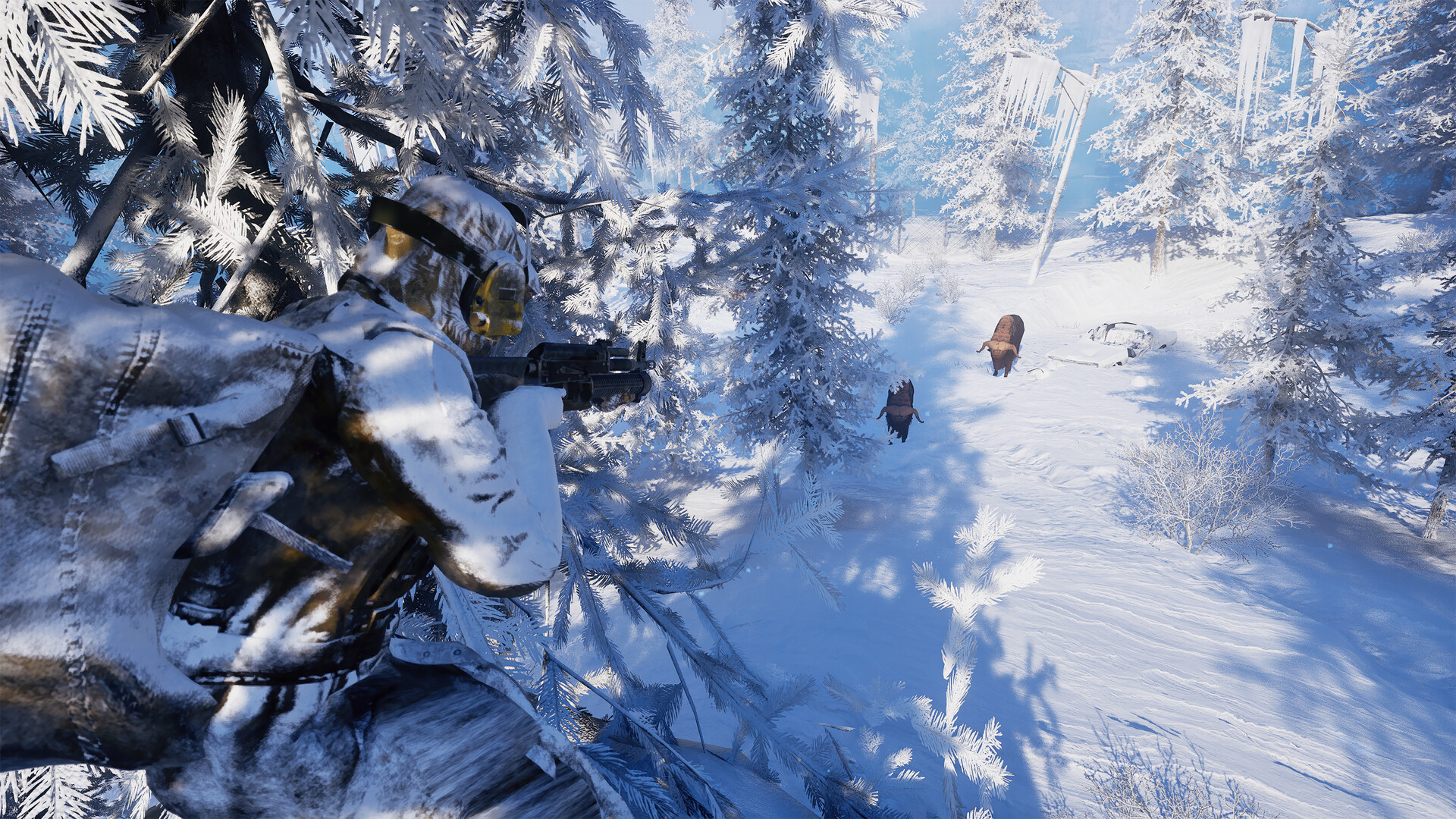
Permafrost co-op is hosted by one player; there are no dedicated servers. The host starts a multiplayer world from the Play menu, sets a password and the player limit (up to four), then invites friends through Steam or shares the password. Friends launch the game, wait at the main menu and either accept the Steam invite or open the session list, find the host's world and enter the password. A world loaded in solo mode does not create a joinable session.
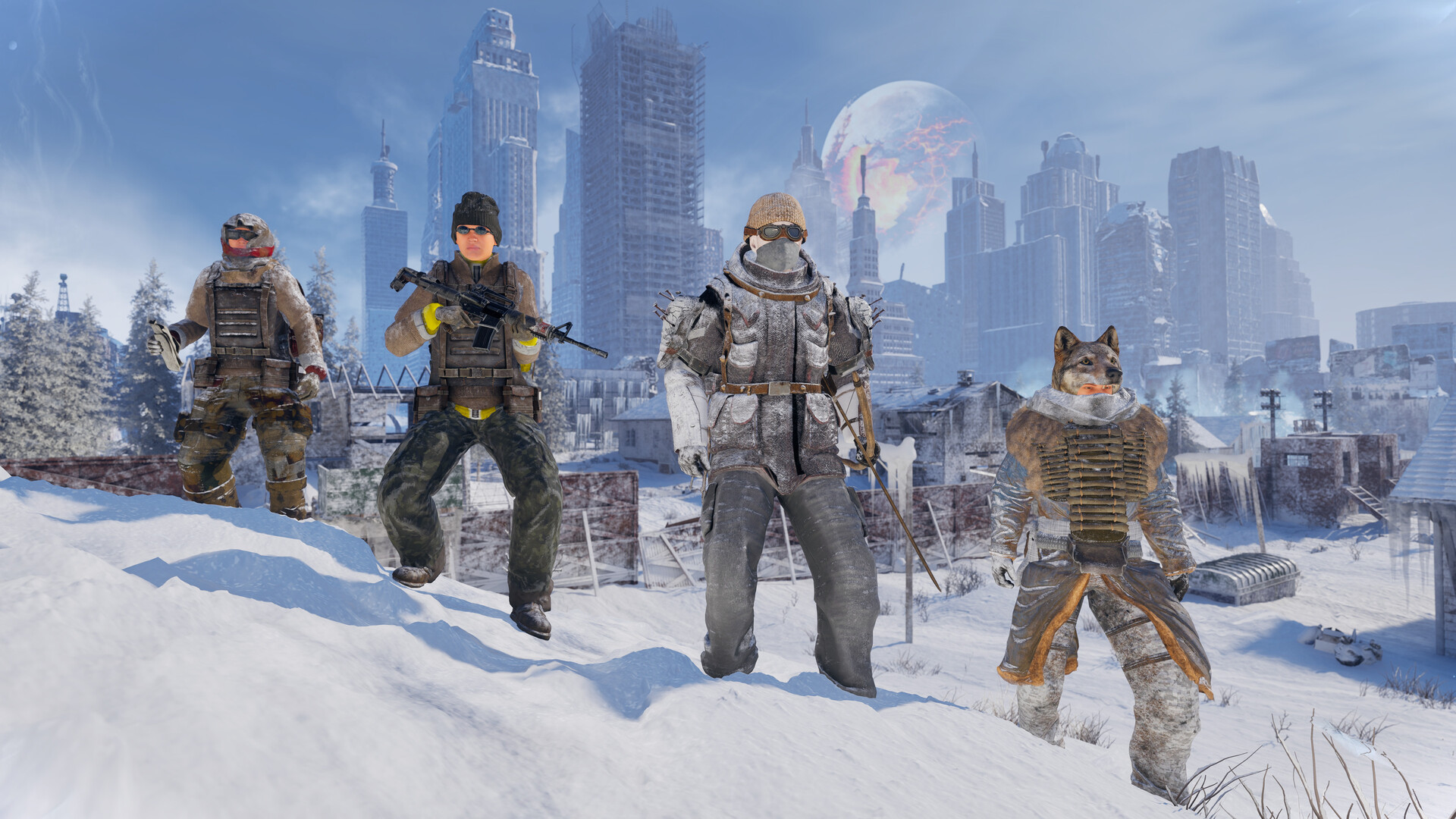
Step 1: Host a multiplayer world
- Open Play and choose the multiplayer host option instead of a solo save.
- Pick an existing world or create a new one. Loading the same world in solo mode will not let anyone join.
- Set a password and the maximum player count (two to four).
- Leave the session public if friends will search for it in the list; a private session only accepts direct invites.
Menu labels have shifted between Early Access builds, so look for wording such as Host Multiplayer or Host Game. The co-op guide explains how progress and quests are shared once everyone is in.
Step 2: Send the invite
- Steam overlay — press Shift+Tab in game, right-click a friend and choose Invite to Game.
- Session list — tell friends the world name and password so they can find it themselves.
- Accepting — the friend should launch Permafrost and stay at the main menu before accepting the invite or using Join Game from the Steam friends list.
Step 3: Join as a friend
From Play, open the multiplayer join list, find the host's world, enter the password and wait for the world to load. If the world is missing, refresh the list a few times before trying anything else.
Session not showing up?
| Check | Why it matters |
|---|---|
| Host loaded a multiplayer world | Solo saves create no session |
| Private setting | Private lobbies are hidden from the list |
| Same game version | An outdated build cannot see newer sessions |
| Refresh the list | The browser can lag behind a new session |
| Player limit | A full world stops accepting joins |
If the session appears but the connection fails, work through the multiplayer troubleshooting guide. Playing across stores or consoles? Read the crossplay guide first, and see why there is no dedicated server option yet.
Reviewed October 23, 2026. The four-player co-op limit comes from the official Steam page; menu steps come from community guides and may differ in your build. Last updated: October 23, 2026.
Sources
References and further reading for this article.